License plate reading
Capture the vehicle’s plate from a suitable gate view and associate it with the movement, timestamp, and supporting image.
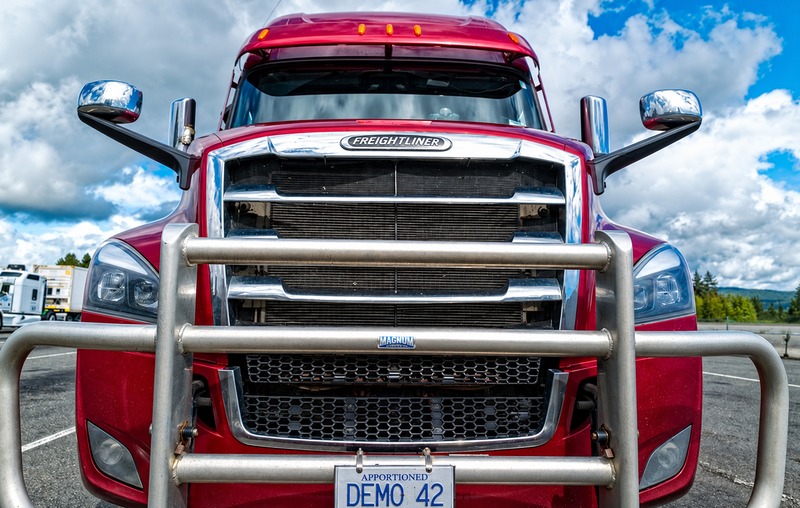
Plate close-up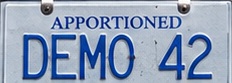

Use cameras to record trucks and trailers entering and leaving your facility. Capture vehicle identifiers and timestamps, review exceptions, and retrieve records when you need them.
Discuss your gate setupRecognition and system connections are evaluated with your gate views and operational requirements.
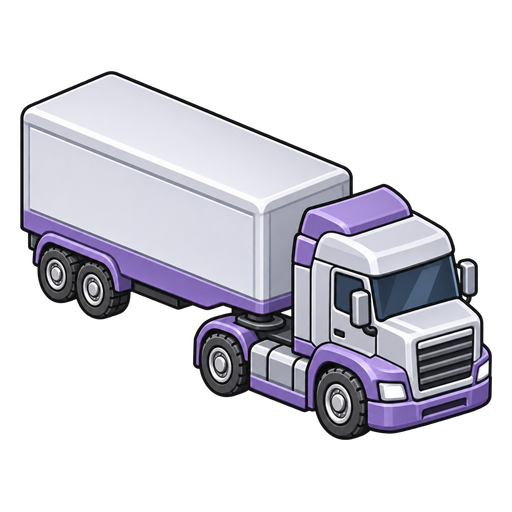 Truck + trailer at the gate
Fields to evaluate with your footage.
Watching the gate, writing down numbers, and finding an old entry all take time. BizStack brings camera-derived records into a review workflow, so your team can focus on exceptions rather than transcribing every movement.
Capture the vehicle’s plate from a suitable gate view and associate it with the movement, timestamp, and supporting image.
Read the carrier number displayed on the truck’s side. USDOT identifies the carrier—not a unique truck.
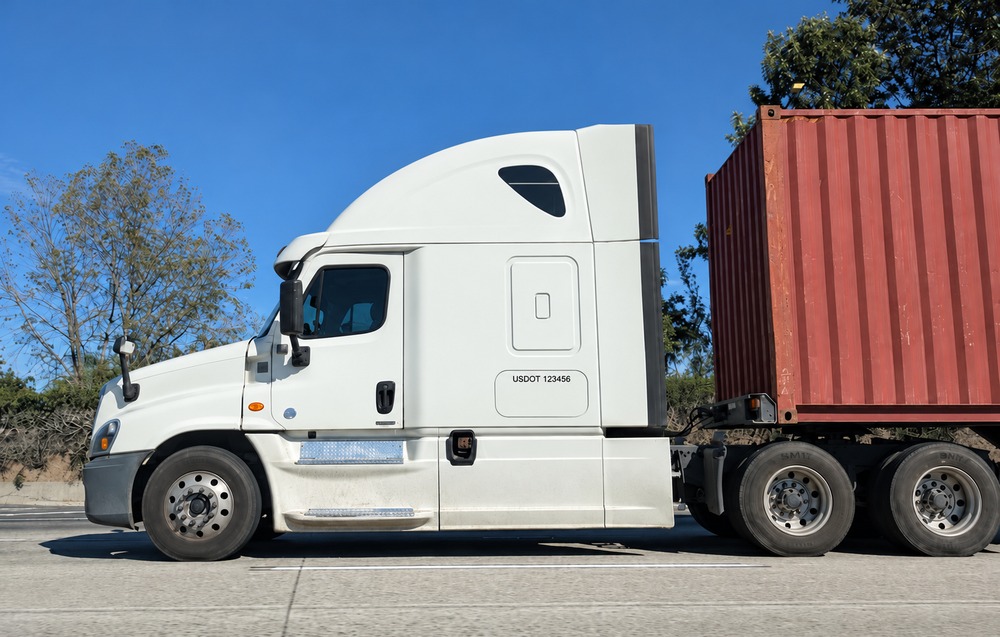
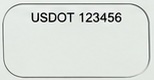
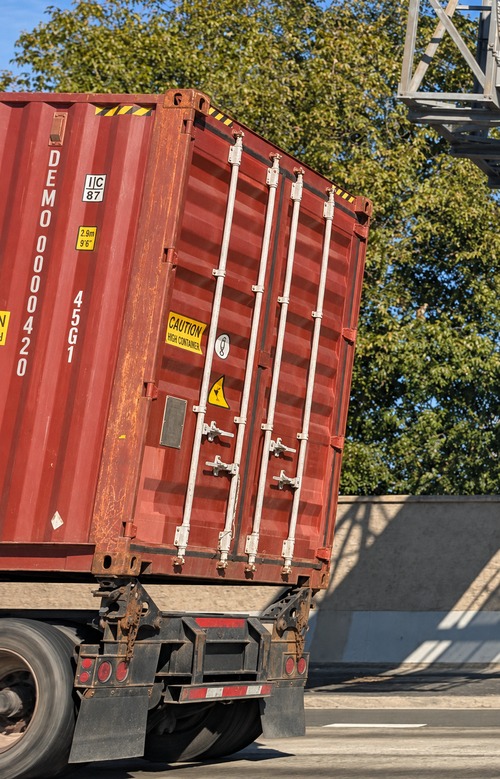
Record the trailer identifier separately from the truck. Container, trailer fleet, and chassis numbers are different identifiers; agree on which your operation needs.

Keep timestamps and direction with the identifiers observed at each gate movement.
Find previous movements and return to supporting images when a record needs a closer look.

Confirm uncertain readings and investigate missing or duplicate movements. Include review effort when evaluating time saved.
A license plate alone doesn’t tell you which trailer arrived—or which one left. Keep separate identifiers and preserve their association at each observed movement.
When a number is missing or the association is uncertain, make it a review item rather than silently treating it as a match.
A tractor enters with a trailer, leaves it at the facility, and exits alone.
A tractor enters alone and leaves with a trailer.
A tractor leaves with a different trailer from the one it brought in.
Compile truck-trip records to support WAIRE environmental reporting where applicable.
Bring movement summaries and supporting records together for review, reducing the need to reconstruct activity from handwritten logs and video.
BizStack connects video, recognition, records, and review with the systems your team uses. We assess your existing setup and agree on the connections needed—not just a number-reading model.
Review inbound and outbound lanes, vehicle mix, speed, glare, weather, and identifier positions. Plates, side markings, and trailer numbers may need different views.
Assess existing cameras, NVR/VMS recordings, and available interfaces. Agree with site IT on network paths, access restrictions, data handling, and retention.
Compare movements and readings with reviewed footage. Check missing and duplicate events, truck–trailer associations, correction effort, and the records needed by your internal systems.
Connections and camera reuse depend on available interfaces and site approval. Gate logging does not require yard-wide tracking or automated gate control. Dwell-time alerts and response workflows can be discussed separately; time on site is not automatically billable detention.
Explore the BizStack platform →Connect gate records with your wider warehouse or manufacturing operation.
Occupancy history answers a different question from vehicle identification and gate logging. Explore our separate parking application and MODE demonstration.
Explore Yard & Parking Utilization →Tell us how your team logs movements today, which identifiers you need, and what cameras or recordings are available. We’ll discuss a practical evaluation and the records your operation needs.